
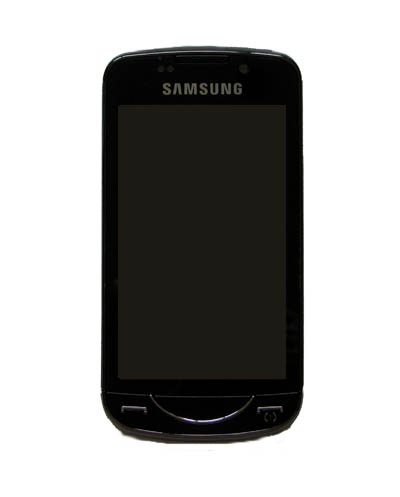
We first saw the Omnia Pro B7610 at CommunicAsia 2009 held in Singapore last year. It was one of the first QWERTY keyboard phone in the market. Compared to most other QWERTY keyboard based solutions, the Omnia Pro B7610 can be said to have the larger and spacious layout of the keyboard for easy test entry.
Complimenting the keyboard is the 3.5″ touchscreen display that has a resolution of 800 x 480 (WVGA) and is of the AMOLED display. It reproduces very good black and colours. Powered by the Windows Mobile 6.5, it’s central processor runs at an amazing speed of 800MHz, just 200MHz slower than the SnapDragon variants.
So, is the phone responsive and what does it offer and lack ? Read our review to find out more.
http://www.ocworkbench.com/2010/SAMSUNG/Samsung-Omnia-Pro-B7610-Review/p1.htm
Good information. Right now I just got a Samsung Omnia SCH-i910 within the mail from ebay, and it at this time appears that it’s at stock settings for your Verizon Network. I plan to utilize this phone on Metro PCS. I also wish to put Windows Mobile 6.five on here, but I’m not confident which purchase I must do this in. Ought to I bring it to Metro PCS as is and have it activated, after which afterwards flash the ROM with 6.5? Or should I modify the ROM very first and be able to bring it to Metro PCS? I’ve been looking around and I’m unable to get the solution to this.
The B7610 that you reviewed.. they QWERTY keyboard has a “$” dollar symbol on the “F” key. Can you tell me where to buy it? I’m from Canada wanting to get one too.
Most of the B7610 videos/pics I see has a euro symbol on the “F” key…
Thanks
Singapore