
If you’re on a Singtel sub brand or mvno e.g. GOMO, ZYM Mobile, vivifi, zero1 etc and your phone has suddenly gotten stuck on 4G instead of 5G/5G+, you’re not imagining things. This is a widespread issue affecting users across Singapore right now, and there’s a clear reason behind it.
What’s Causing It
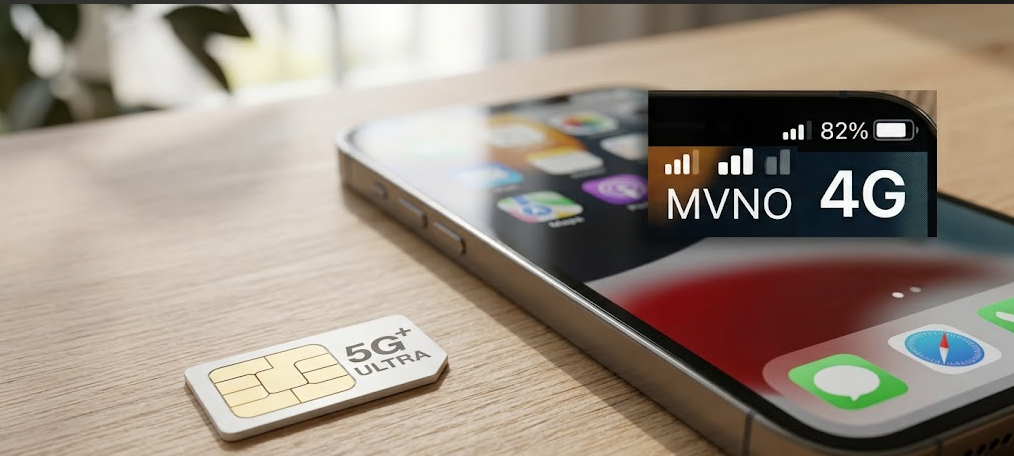
This comes down to a nationwide shift in how Singapore’s mobile networks operate:
- 5G NSA is being retired. 5G NSA (Non-Standalone) was a hybrid setup that piggybacked on existing 4G infrastructure to deliver a 5G signal.
- 5G SA is taking over. Networks are migrating to 5G SA (Standalone) what Singtel markets as 5G+ a fully independent 5G network that doesn’t rely on 4G at all.
- The result: getting stuck on 4G. As the old NSA network gets phased out, SIMs that weren’t built for it can’t connect to the new SA network. When your phone can’t lock onto a 5G SA signal or your SIM simply isn’t compatible it falls back to plain 4G.
How to Fix It
1. Get a SIM/eSIM upgrade (this is the key step)
Older MVNO SIM cards lack the security credentials needed to authenticate on a 5G Standalone (5G+) network.
- GOMO users: Watch for an SMS or in-app notification prompting you to request a new 5G+ physical SIM or switch to a 5G+ eSIM.
- ZYM and other MVNOs: Check the provider’s app or contact support directly to ask for a SIM upgrade compatible with 5G SA.
Worth noting: several users say that even a fairly recent eSIM didn’t cut it — they had to generate a brand-new, 5G+-specific eSIM (or physical SIM) through the app before 5G+ actually registered on their phone.
2. Enable 5G Standalone in your phone’s settings
Having the right SIM isn’t enough on its own — your phone also needs to be set to actively search for Standalone 5G.
- iPhone:
Settings→Mobile Service→Mobile Data Options→Voice & Data. Confirm 5G On or 5G Auto is selected, then find the 5G Standalone toggle and switch it on. - Android (Samsung, Google, OPPO, etc.):
Settings→Connections→Mobile Networks→Network Mode. Set this to5G/LTE/3G/2G (auto connect). If there’s a dedicated “5G Standalone” or “5G SA” option buried in advanced settings, enable that too. - Do check if your phone supports 5G(SA). e.g. iPhone 12 series and android phones released prior to 2021 may not support. Check with your telco.
3. Watch out for coverage gaps
5G SA needs a direct line to 5G base stations, so its coverage doesn’t map perfectly onto the old hybrid network. If you’ve done the SIM upgrade and settings changes but still lose 5G in places like indoor malls, basement carparks, or certain MRT stations (Admiralty and Yishun have been mentioned), it’s likely just an area where network optimization is still in progress.